I've been running my own server for about 2.5 years now and have gained a lot of experience in the process. Since a friend of mine asked about my setup and some tips, I thought it would be best to publish another blog post on this topic. This is one of my more tech-savvy posts, so feel free to skip it if you're not interested (as if I have any say in this...). I'll keep this entry updated as long as I'm willing to.
Me, sometime at the beginning of 2022
Reasoning
Why would you actually want to host everything yourself in the first place? I mean, it's a lot of work, a ton of stress and requires constant maintenance?
-
Availability: Every single day approximately 3,992,222 websites are created (which is a lot, WTF). However, many sites also become unavailable, leading to data loss, like the shutdown of LiveLeak, the deletion of YouTube channels, or countless minutes of pornographic material. There are even entire communities dedicated to gathering so-called lost media.
-
Ownership Another problem we encounter is that we do not own anything anymore. Seriously, every type of media most people consume comes from streaming services like YouTube, Netflix, Disney+, or Spotify. Every file we consume is rented and not owned by ourselves. Self-hosting, on the other hand, ensures your data never gets lost and is completely owned by you and only you.
-
Privacy: Your data remains on your premises, reducing the risk of data breaches and unauthorized access that might occur on third-party servers. Of course some of your applications will share information with third parties but at least you'll be more in control on who has your data
-
Complete Control: You have full control over the software, configurations and data. You can customize everything to meet your specific requirements.
-
Gaining Technical Skills: Managing your own server helps you develop valuable skills in system administration, networking, security and troubleshooting. And trust me, there'll be a lot of troubleshooting...
-
Open Source Support: By self-hosting, you can support and utilize open-source software, contributing to and benefiting from community-driven projects.
-
Data Sovereignty: Ensures that your data resides within your jurisdiction, avoiding legal complications associated with cross-border data transfer.
-
Reliability: You can design your infrastructure for high availability and redundancy, ensuring continuous service without relying on third-party uptime. Like still being able to access your media in case of a network outage.
-
Customization: You can tailor the software and services to your exact needs, adding features or making changes that hosted solutions might not allow.
-
Cost Savings: Over time, self-hosting can be more cost-effective than paying for recurring subscription fees for hosted services. Keep in mind that the initial costs will be enormous though!
-
You may also use your server-project on your resume or use it for content if you run out of material for your blogs :)
What to keep in mind
Let me tell you this before you even start to think about starting your own server: It'll cost you a fuck ton lot of nerves and time. Don't go into this project thinking it will be easy and you will be done in no time. It requires a lot of troubleshooting, a lot of research and a huge pile of failures. You'll need discipline to stay on track.
You'll gain a considerable amount of technical knowledge, but you'll also need some basic networking skills. Take some time to study those basic abilities before you start this project. Stop browsing Reddit for the best dashboard theme if you cannot tell me how DHCP works.
Depending on your situation, there may be a lot of initial costs for the hardware you'll use. I was lucky enough to use my "old" gaming PC since I grew out of my gaming phase a long time ago. I know it isn't energy-efficient at all, but it works for now (you'll encounter this situation a lot during this or similar software projects).
You may also be able to start of pretty cheap for most projects. Like you could buy a Raspi Zero for about 17 Euros nowadays when starting off. It's not the most powerful device but you'll be able to host a few decent applications.
My setup
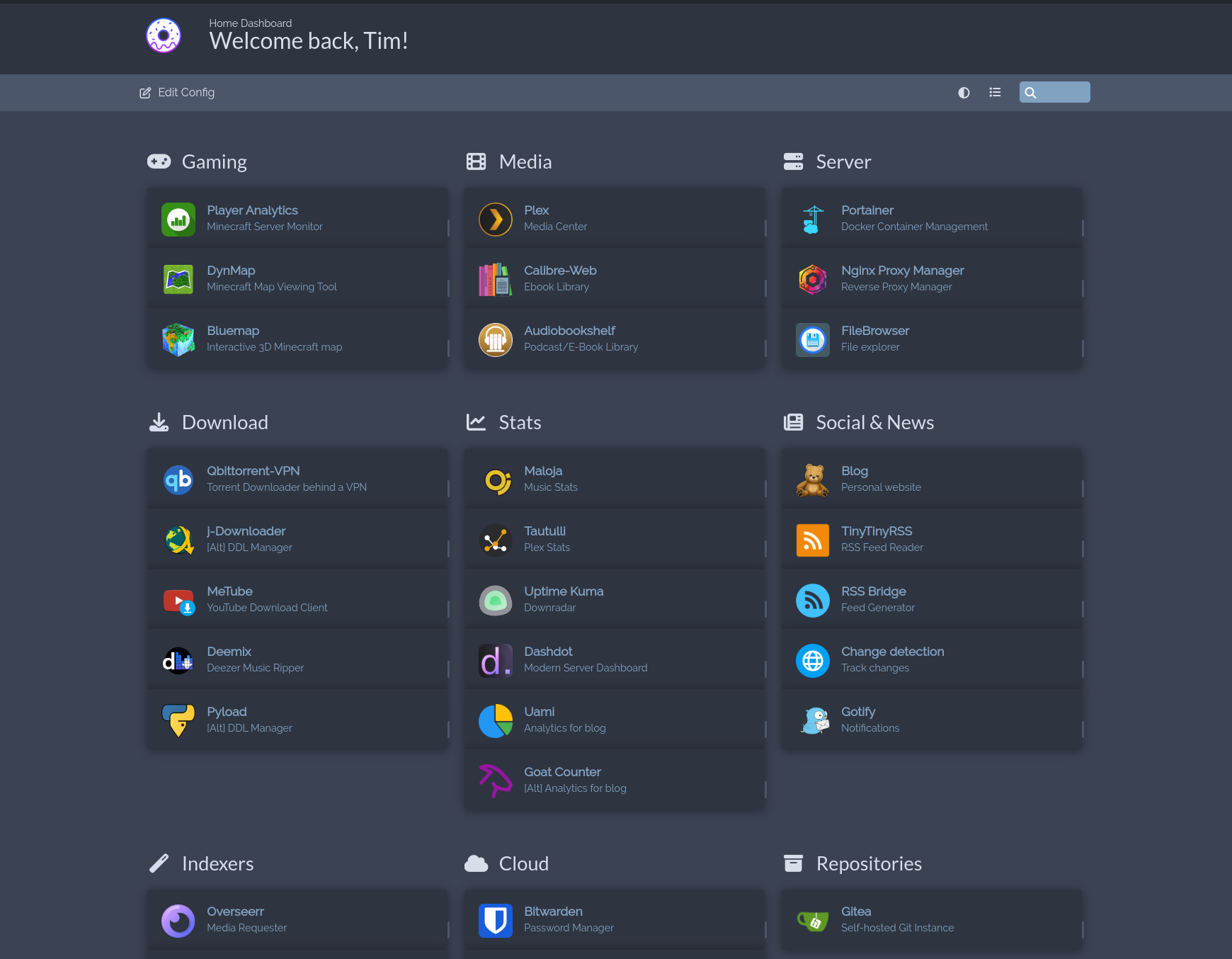
I am currently using Ubuntu LTS, as it's a pretty reliable operating system for servers. There are countless alternatives like Debian or RockyLinux. However, if I had to restart this project from scratch, I'd probably go with OpenMediaVault this time.
I chose to run all my applications using Docker because I think it's the best way to run server applications. Docker allows us to package applications into containers, each containing the application code, runtime, libraries and dependencies needed to run the application consistently across different environments.
Since most self-proclaimed administrators choose to set up a dashboard to maintain a clear perspective on my applications, I opted not to include things like a search engine or third-party websites such as some social media sites, since I only use this dashboard for navigation and nothing else.
For maintenance and security, I also chose to host a Wireguard-VPN on a separate device, which allows me to access my server remotely without going directly over the internet. This improves our security drastically while also offering some way of maintenance should the main-machine go offline.
Media
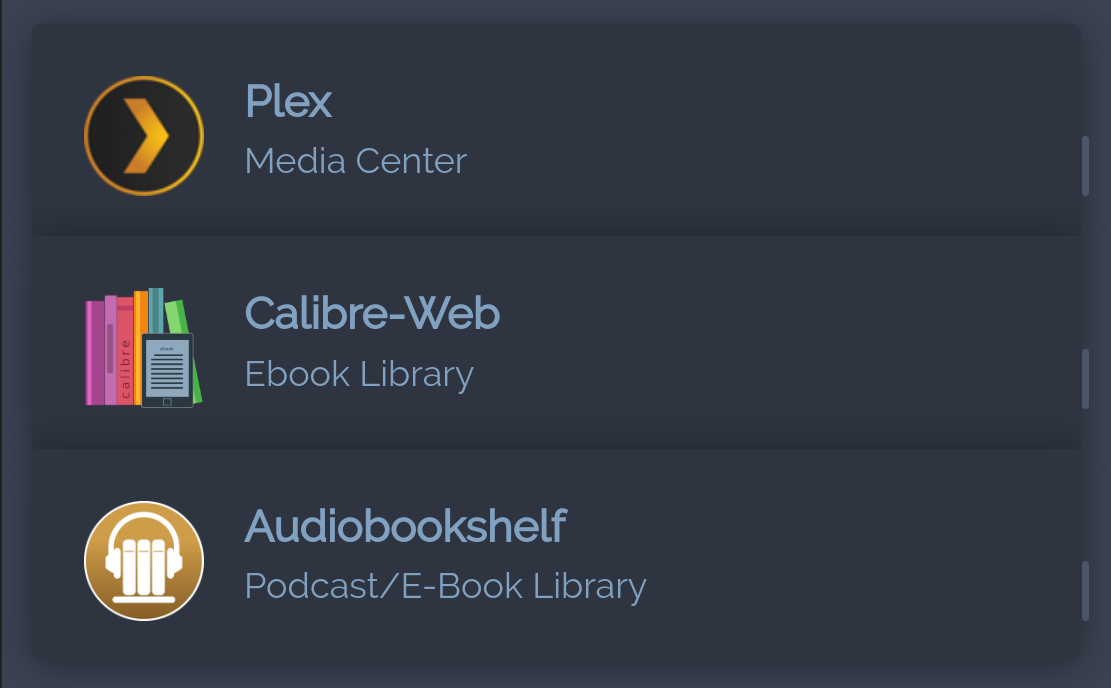
Plex
Plex is the media server I use. You point it at a folder of movies, shows or music, it scans everything, fetches metadata and artwork and lets you stream the whole library from any device with the Plex app. I bought Plex Pass at some point. Jellyfin and Emby are the open-source alternatives most people recommend, but I haven't moved over.
Calibre Web
A web frontend for a Calibre eBook library. Browse and read books in any browser, with metadata management and an integrated reader. Basically Plex but for books.
Audiobookshelf
Same idea as Calibre Web, but for audiobooks. Streams from any browser with bookmarks, chapter info and playback speed control. Multi-user support if you want to share a library. Works fine.
Server
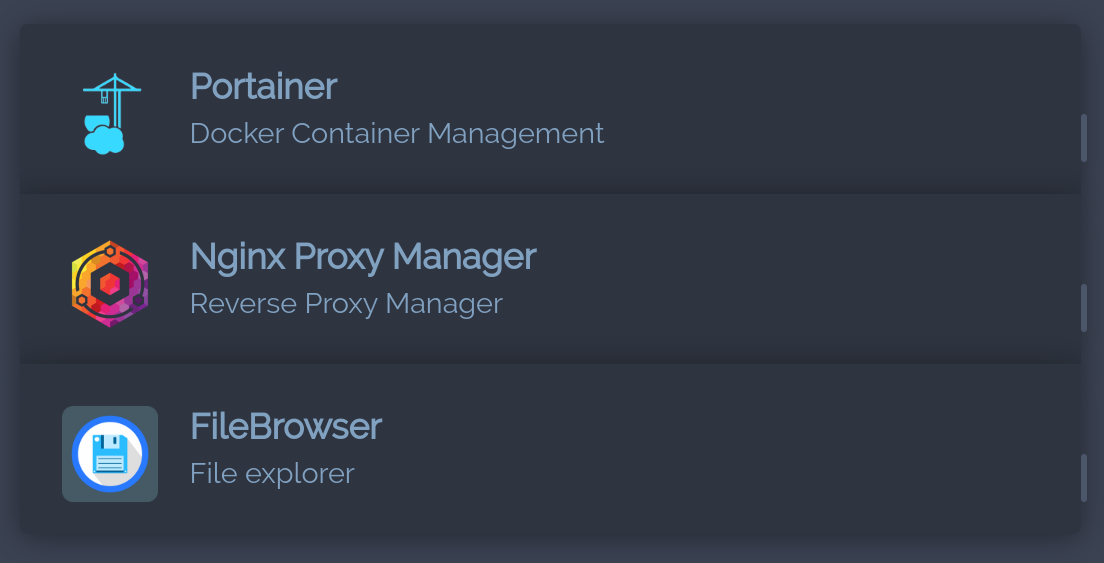
Those applications are (in my opinion) essential for managing a server as they make life so so much easier.
Portainer
A web UI for Docker. You can technically do everything from the command line, but a dashboard for containers, images, networks and volumes saves a lot of time once you have more than a handful of services running. Also supports Docker Swarm and Kubernetes if you ever go that route.
Nginx Proxy Manager
A UI for Nginx reverse proxies. You point a domain at a container, click a button to get a Let's Encrypt certificate, done. The alternative is editing Nginx configs by hand, which is fine but tedious if you have a lot of services.
FileBrowser
A web-based file manager. Upload, download, edit and share files via browser, with user authentication and access permissions. I mostly use it inside my network or for sharing small media files and documents directly. Note: if you proxy it through Cloudflare you can't share files larger than 500MB.
Download
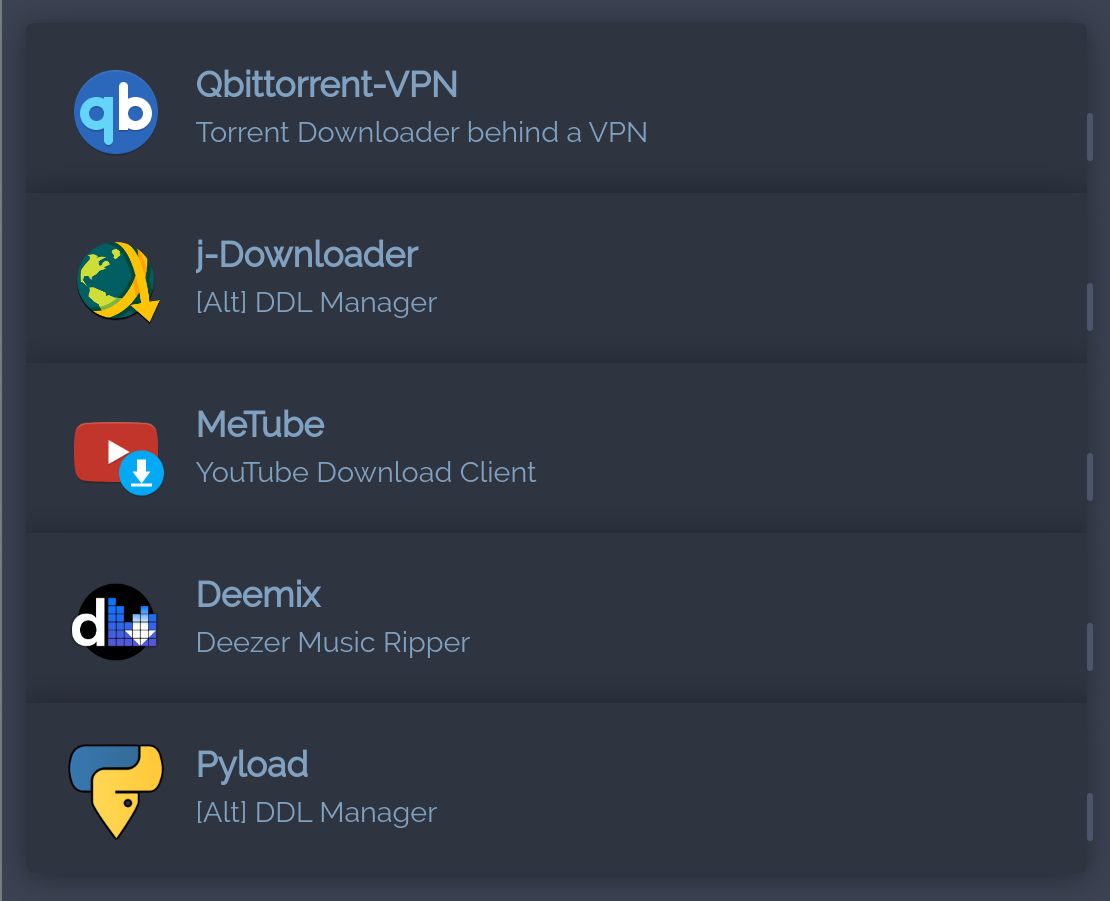
Making downloads on a home server offers several advantages over downloading directly on personal computers. Firstly, it offloads resource-intensive tasks like downloading large files or torrents, which can slow down or tie up local machines. It also centralizes management, allowing for continuous downloads even when individual computers are turned off. Additionally, a home server can automate downloads, manage storage more efficiently and provide a centralized location for accessing downloaded files from any device on the network, enhancing convenience and accessibility.
QBittorrend Web + VPN Killswitch
A web UI for the qBittorrent client, packaged with a VPN killswitch that drops all network traffic if the VPN dies. Don't use uTorrent or the original BitTorrent client, they're bloated adware now. Transmission is a fine alternative if qBittorrent isn't your thing.
J Downloader 2
A download manager for files from hosting and streaming sites. Handles parallel downloads, automatic captcha solving, link encryption and paused/resumed jobs.
MeTube
A web UI for youtube-dl. Paste a video URL, pick a quality, hit download. Makes the command-line tool accessible if you'd rather not touch a terminal.
Deemix
Downloads music from Deezer, including FLAC and high-quality MP3 if you have a paying account. Tags everything automatically with metadata. Active development stopped, but the tool still works at the time of writing.
Pyload
Another download manager. Queues files via HTTP, FTP and BitTorrent, supports captcha recognition and premium accounts on hosting sites and has a plugin architecture for whatever else you need. Works well together with the J-Downloader extension.
Stats
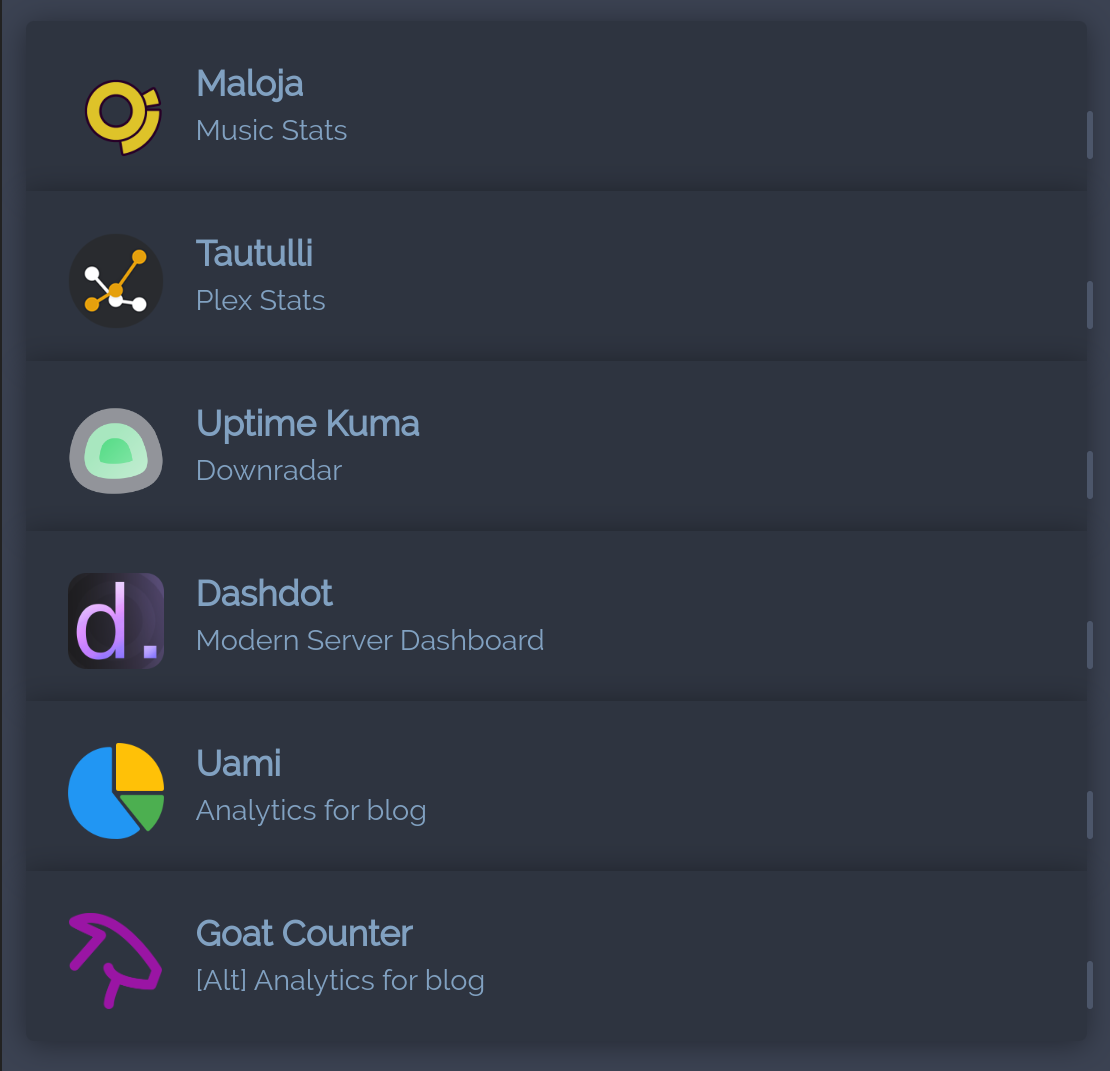
Maloja
Self-hosted Last.fm replacement. Tracks what you listen to, builds a profile over time and integrates with most music players via the standard scrobble API. My instance is here.
Tautulli
Statistics dashboard for Plex. Playback history, who watched what, server load, custom notifications. Worth running if you're admin of a Plex server with multiple users.
Uptime Kuma
Uptime monitor. You add a service, it pings on a schedule and tells you if it's down. Notifications go to email, Slack, Telegram, whatever. Status pages included, mine is here.
A note: I'm running Kuma on the same machine as everything else, except my VPN and my blog. This is dumb, because if the main server dies the uptime monitor dies with it and tells nobody. Don't do this.
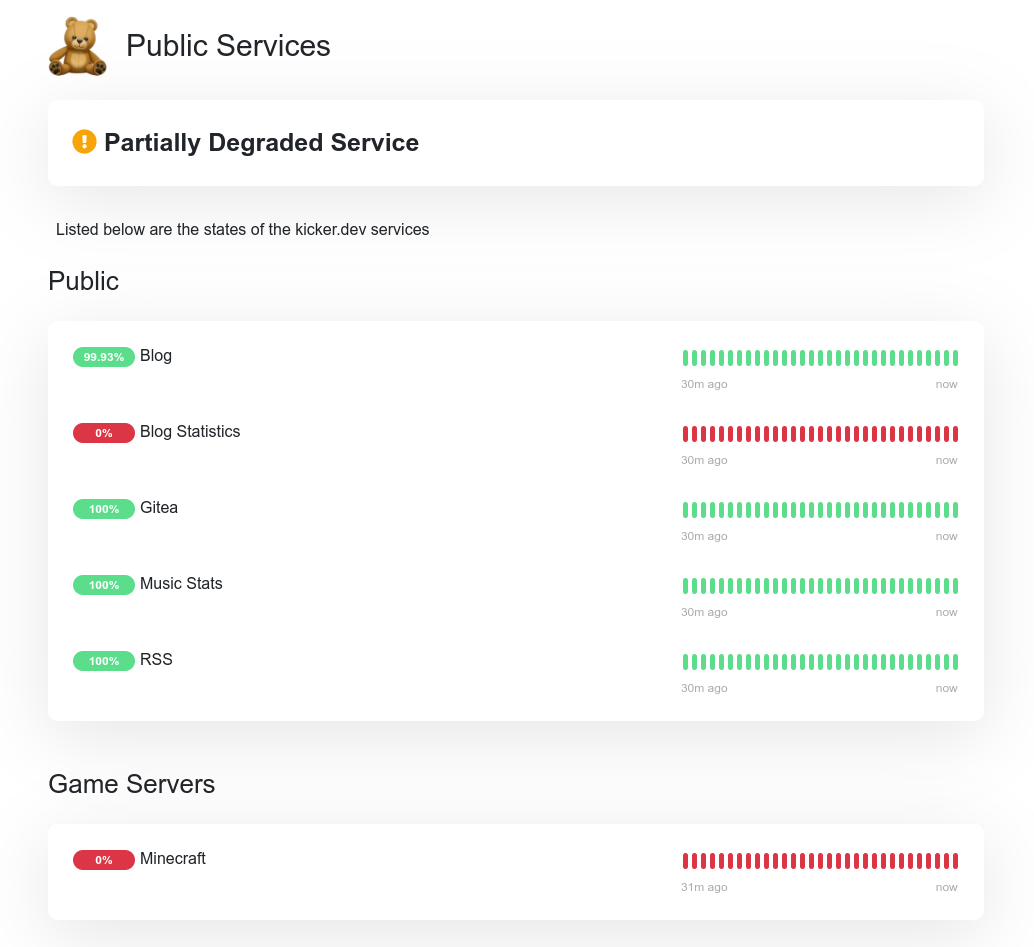
Kuma-UI of for my public services
Dashdot
A server dashboard with a glassmorphism design that genuinely looks great. Shows the usual metrics (CPU, memory, disk, network) and supports light and dark mode. Aimed at smaller VPS and home setups.
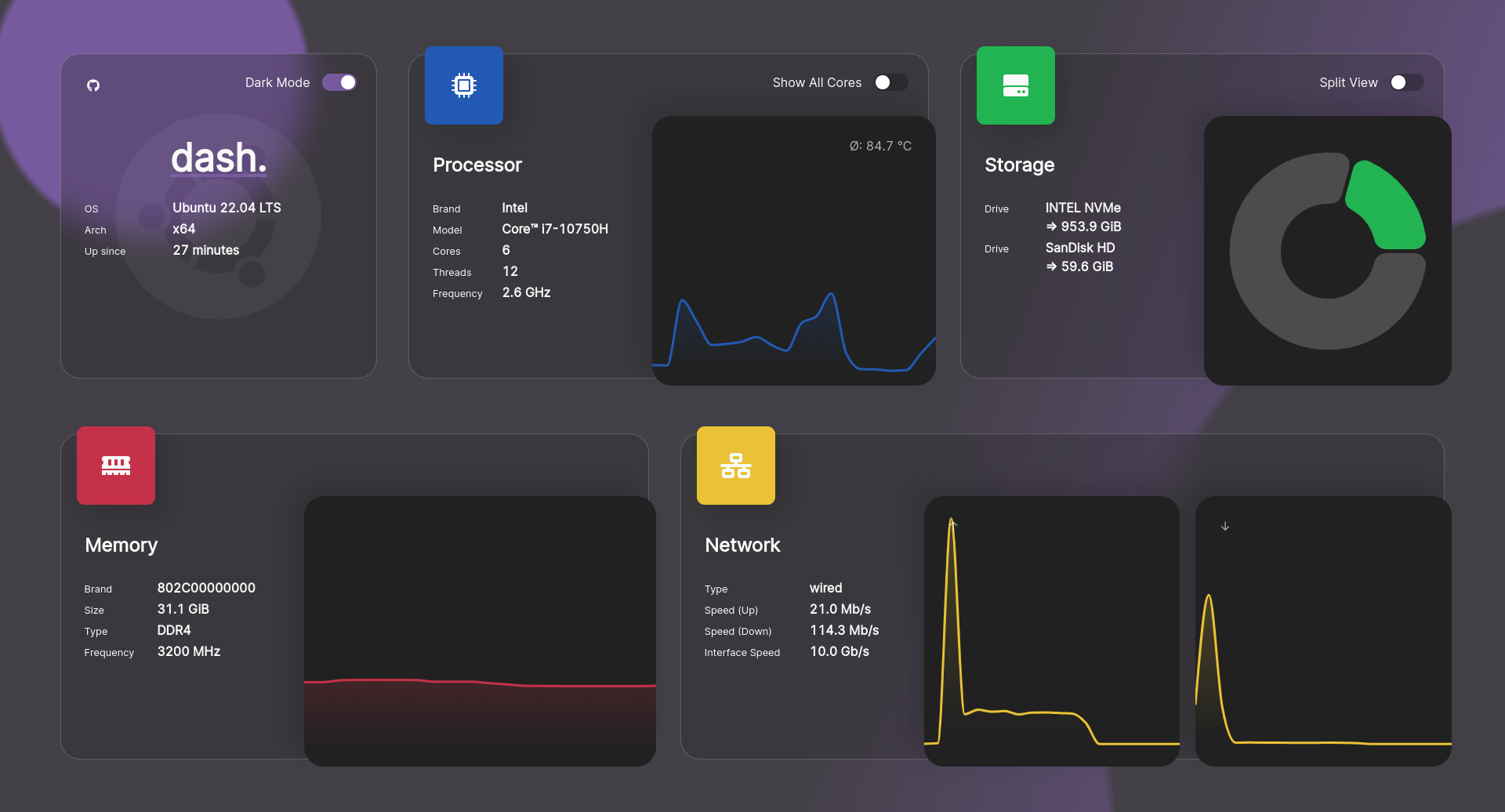
Screenshot of the dashdot dark-ui
Umami
Privacy-focused web analytics. GDPR-friendly, no cookies, no personal data, no IP tracking. The dashboard covers the usual things: page views, bounce rates, traffic sources, devices, browsers, locations. Dark mode included. I use it to track stats for this blog, and it's the main reason I trust analytics on my own site at all.
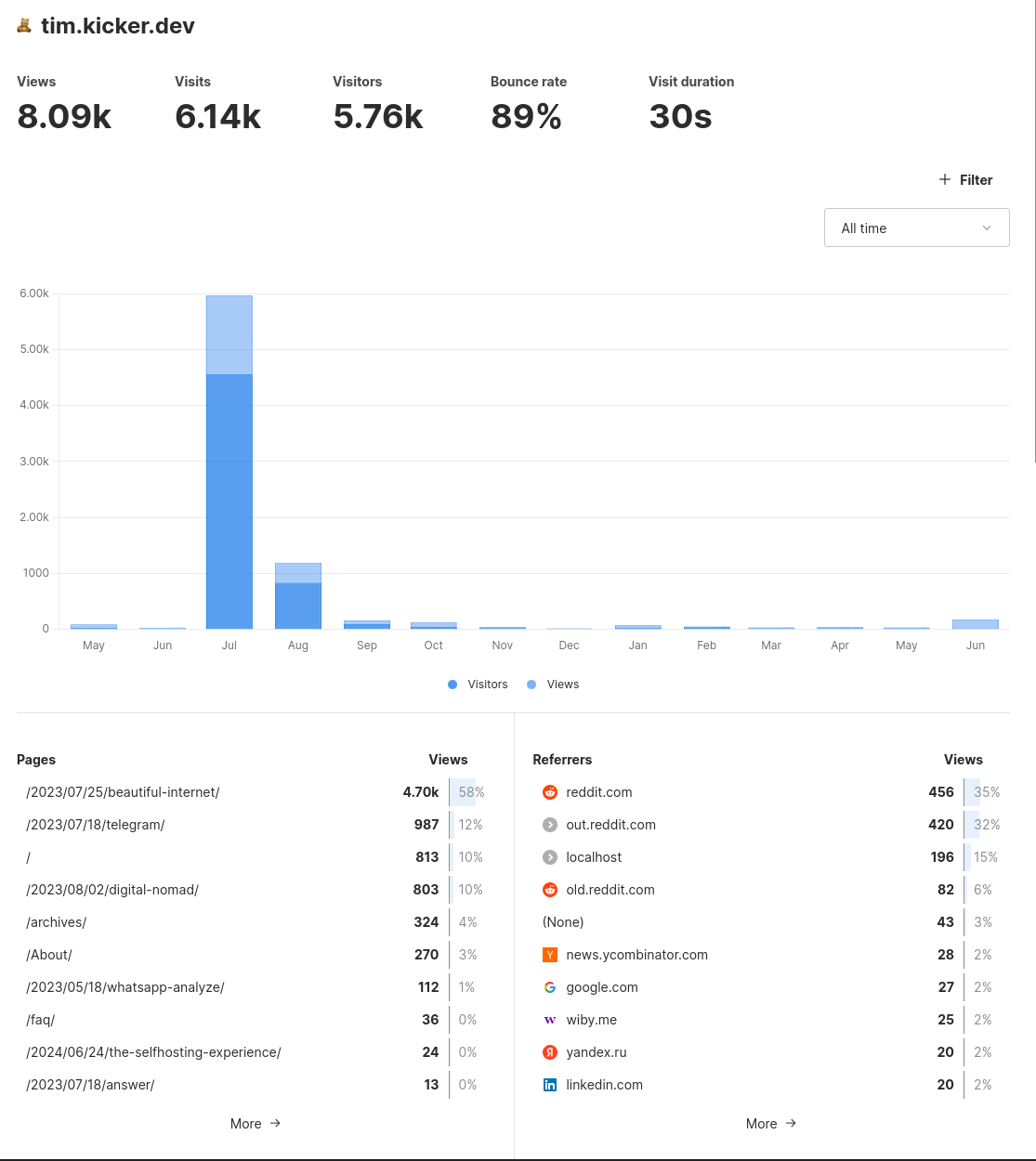 Page 1 of my umami-stats at the time of writing this post
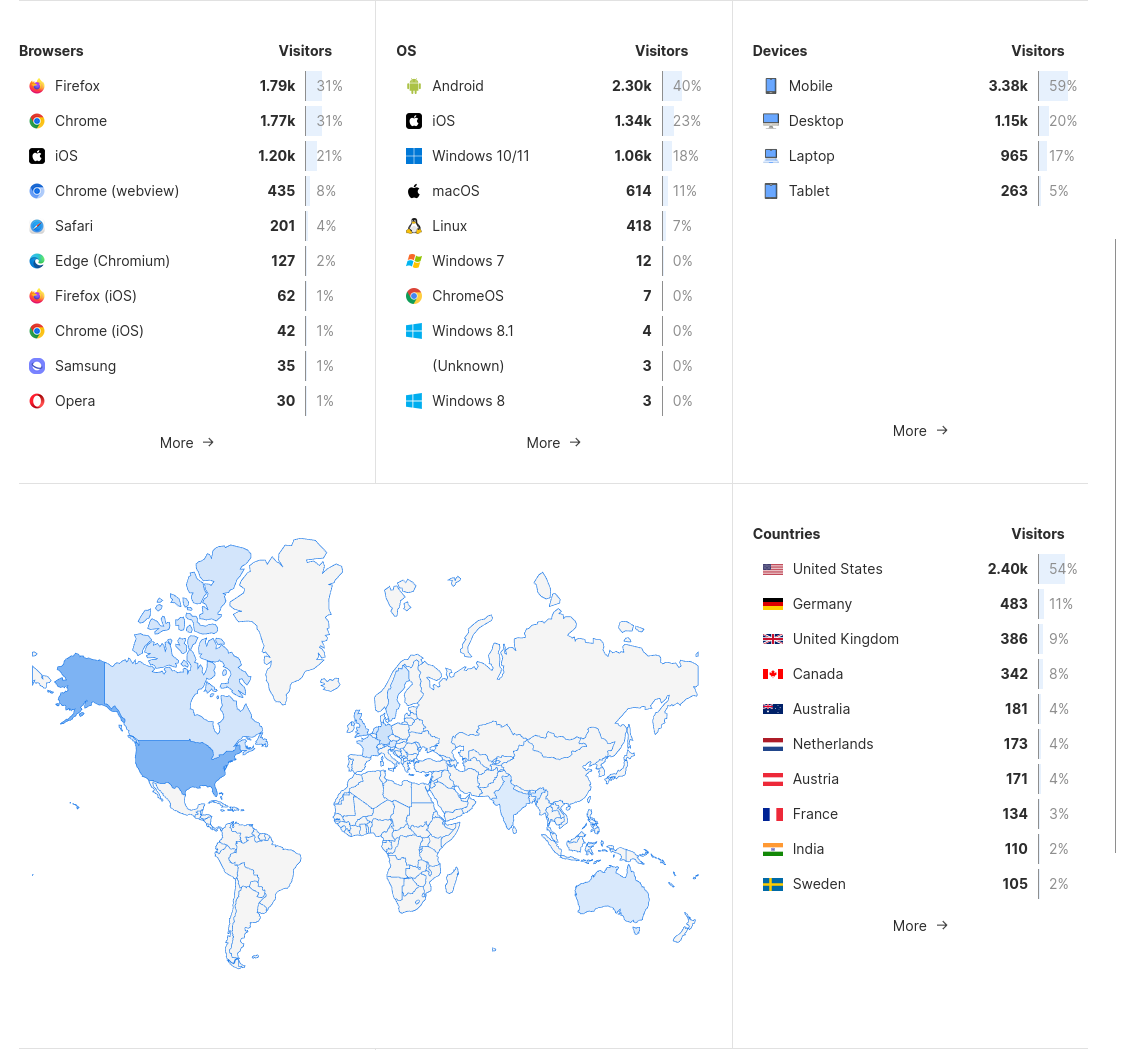
Page 2, which even features a world-map
Goat Counter
A minimal open-source alternative to Umami. I'm running it in parallel so I can compare numbers and make sure neither tool is drifting wildly off.
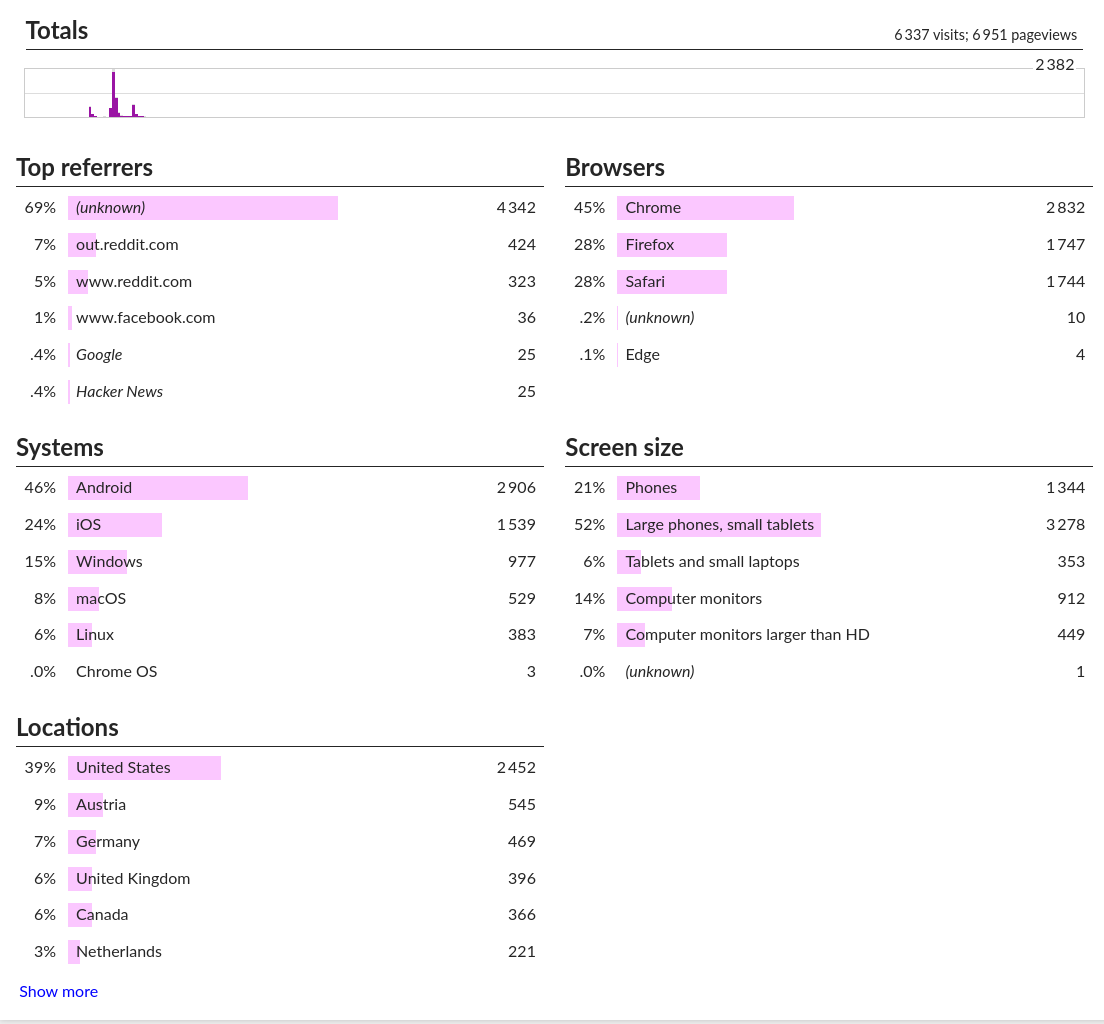
Goatcounter-UI with (somewhat) matching stats
Social & News
TinyTinyRSS
A self-hosted RSS reader. I got tired of checking 100 different social media sites every day, so I funnel everything I care about through TT-RSS instead. The setup takes a moment, but once it's running you get categories, filtering, search and sync across devices. Plenty of desktop and mobile clients can talk to it.
RSS Bridge
Generates RSS feeds for sites that don't offer one. Most sites used to have RSS and quietly killed it during the enshittification era; this puts it back. Works for a lot of social profiles, forums and other sites that locked their content down.
Change detection
Monitors web pages for changes and notifies you when something updates. I use it for sites that don't expose RSS and aren't covered by RSS Bridge. Configurable check intervals and notification channels.
Gotify
A small notification server. You push messages to it via REST API and it forwards them to your devices. I mostly use it for alerts coming out of other selfhosted services.
Great thing I'm writing this blog, as I completely forgot to set this up on my (not so new) phone, 8 months ago
Indexers
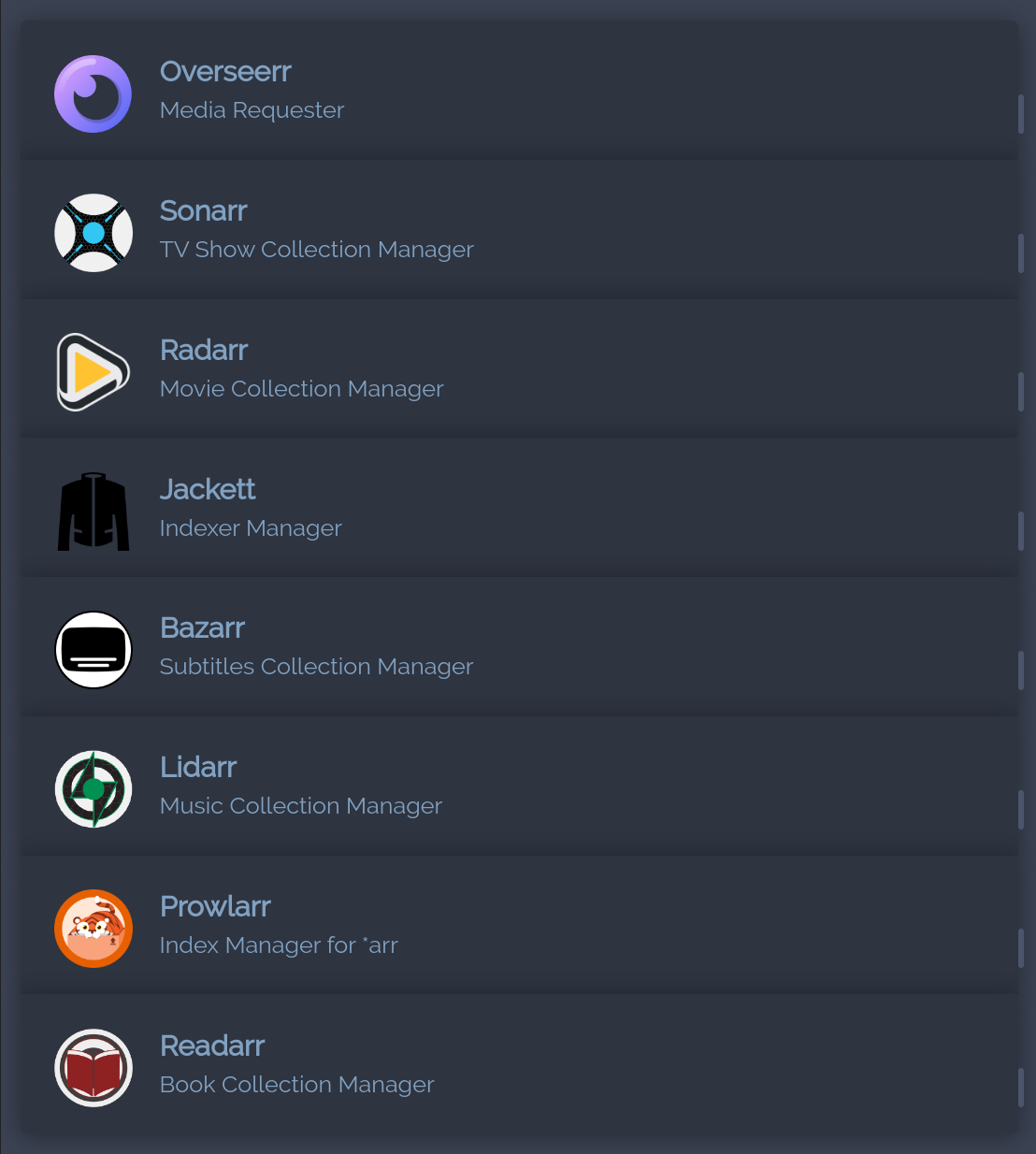
The listed applications are hosted by me, but they are non-functional as no legal trackers for media sources were found. This fictional segment is included purely for stylistic purposes. I strongly advise against using illegal sources, as they violate copyright laws. I do not condone or support such actions and urge everyone to refrain from engaging in them.
Servarr
The Servarr stack pairs with a download client (qBittorrent, SABnzbd, etc.) and a media server (Plex, Jellyfin, Emby) to fully automate fetching and organizing media. Each tool covers one content type.
-
Sonarr:
- Manages and automates TV show downloads.
- Subscribes to TV series, searches for new episodes and downloads them automatically.
-
Radarr:
- Manages and automates movie downloads.
- Adds movies to a watchlist, searches for available releases and downloads them via torrent or Usenet.
-
Lidarr:
- Manages and automates music downloads.
- Adds artists and albums to a watchlist, searches for new releases and downloads music files.
-
Readarr:
- Manages and automates e-book downloads.
- Tracks and downloads new releases from authors or series.
-
Prowlarr:
- Manages and automates TV show downloads from Usenet indexers.
- Integrates with Usenet indexer services for automatic searches and manages download clients like SABnzbd or NZBGet.
Unofficial Servarr-Applications
-
- Front-end for Plex/Sonarr/Radarr. Friends and family can request shows or movies and the request goes through to the *arr stack to fetch them automatically. Easily the best UI in this whole stack.
-
- Tracker proxy for Sonarr/Radarr.
- Translates between the standard Torznab/Newznab API and the actual APIs of various trackers.
-
- Subtitle automation for Sonarr/Radarr.
- Pulls subtitles from various providers in whichever languages you configure.
- Still haven't actually got it working properly, hmpf.
Cloud & Repositories
Bitwarden (Vaultwarden)
A self-hosted, Bitwarden-compatible password manager. Encrypted storage for passwords, notes, cards, the standard set, plus 2FA, folder organization and audit logging. I'm only using this container as a backup right now.
Gitea
Self-hosted Git server. Lighter than GitLab and a lot less painful to maintain. Pull requests, issues, code review, webhooks. The source for this blog lives here.
Gaming
Currently, all my gaming-related containers are just plugins used for my Minecraft server. However, none of them are active at the moment as my Minecraft server has been shut down by me. Nevertheless, I still wanted to list them.
Player Analytics
Tracks Minecraft player activity: logins, playtime, in-game actions, economy transactions, community interactions. Useful if you're running a server with a community and want to see what people are actually doing.
Bluemap
A web-based 3D map of your Minecraft world that updates in real-time as people build and explore (!!!). Players and admins can view it from any browser.
Dynmap
Like Bluemap but in 2D.
Some tips
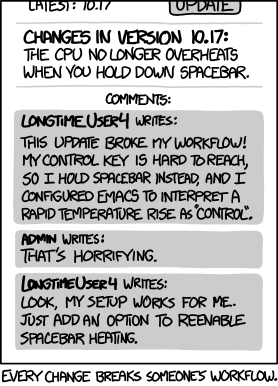
- NEVER CHANGE A WORKING SYSTEM: Please, for the love of God, only update your server when you are willing to take a few hours to fix your entire setup if something fails. Because it will. Also, take some time to check if you really, really need this new fancy application, which is pretty much a duplicate of an existing one and you'll use it once for testing and never again afterwards. "bUt jUsT iN cAsE iLl kEeP it", no you wont. Trust me, I've been guilty of this behaviour several times.
- Spend some time planning. Create a to-do list, plan when and how you want to work on it and create a file tree. Here's mine, for example:
- Only use the root account if you have to. Create a separate one for all sorts of things, which will increase your security a ton.
- Spend a lot of time on security. I know you just got your system to work after some hard days and you are not motivated anymore in the slightest to upgrade your security, but please do it. I know you'll probably not get hacked or something like that, but the chance still exists. Take a look into topics like Firewalls, Cloudflare, VPN, etc.
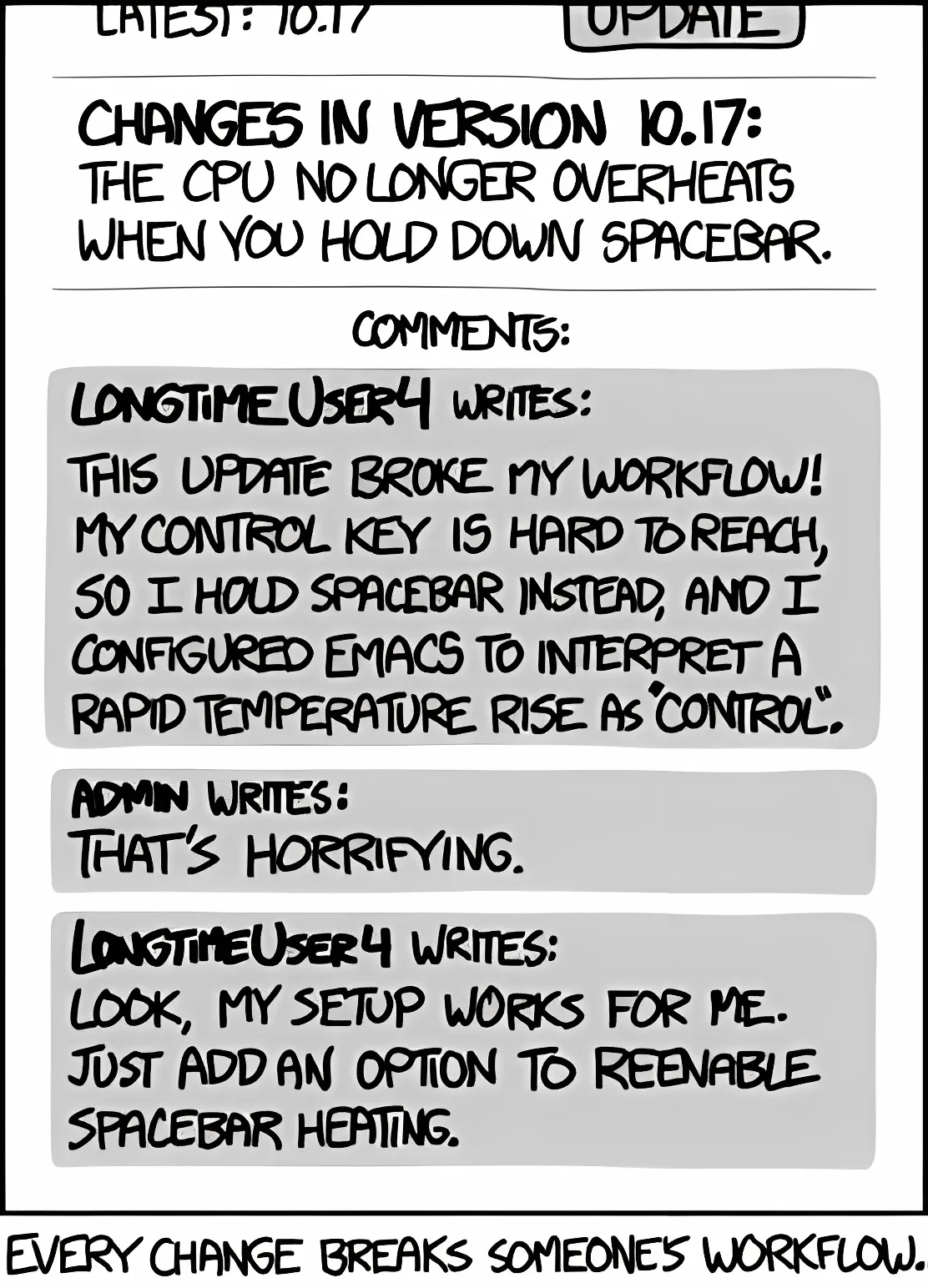
Obligatory (somewhat) fitting xkxd comic regarding the working system
Resources
I completely relied on sources from the web when it came to gaining knowledge (and still do). So I'll link you some great resources, which helped me enormously.
- Awesome Selfhosted: A list of Free Software network services and web applications which can be hosted on your own servers.
- /r/selfhosted: A place to share, discuss, discover, assist with, gain assistance for and critique self-hosted alternatives to our favorite web apps, web services and online tools.
- /r/homelab: A community for discussing home labs, including self-hosting setups and hardware recommendations. Read through the wiki!
- DB Tech: Probably the best channel you'll find regarding self-hosting. He's specialized in stuff like Docker, Portainer and other self-hostable applications and he's an amazing teacher, wow!
- Linuxserver.io: An amazing and huge list of Docker images consisting of all kinds of applications.
- Me: Since I am pretty experienced when it comes to this kind of stuff, you are more than welcome to contact me if you need any help :)
Comments