Podliner - The Player I Built for My Workflow
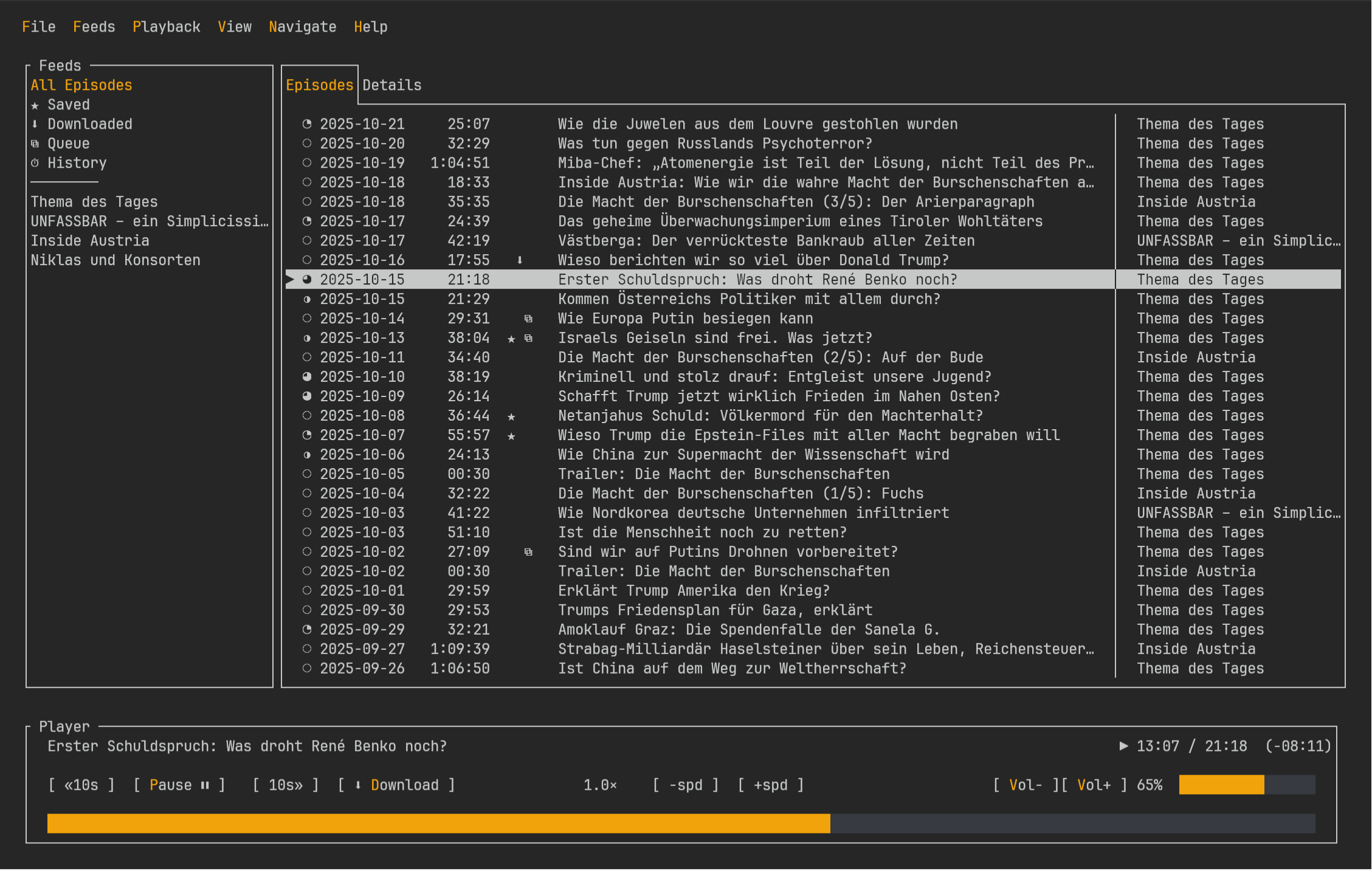
Podliner is a TUI podcast player for people who already spend their day in a terminal and don’t want podcasts to be the one thing that drags them out of it. The workflow is intentionally boring: browse episodes, hit play, read show notes, queue the next one, move on. No account, no telemetry, no “platform” behavior.
It started as something I wrote only for myself. I listen to podcasts while working and I kept falling into the same loop: open a browser tab or a heavy app, lose context, get distracted, and suddenly I’m doing anything except listening. So I built the player I wished existed: Keyboard-driven, local-first, and happy to run wherever a terminal exists.
At some point it stopped being a private “works on my machine” tool and became something I could actually ship properly. That’s the part where you end up caring about cross-platform builds, installers, sane config paths and all the other unglamorous stuff.
This is also one of those projects that pretty much escaped my bubble, it got listed on TerminalTrove and even more unexpectedly, shows up on Softonic as a Windows download. I’m mentioning that here mainly because it’s a decent signal that this isn’t just a repo graveyard.
What it focuses on
- RSS + Atom subscriptions, with a fast TUI for feeds and episodes.
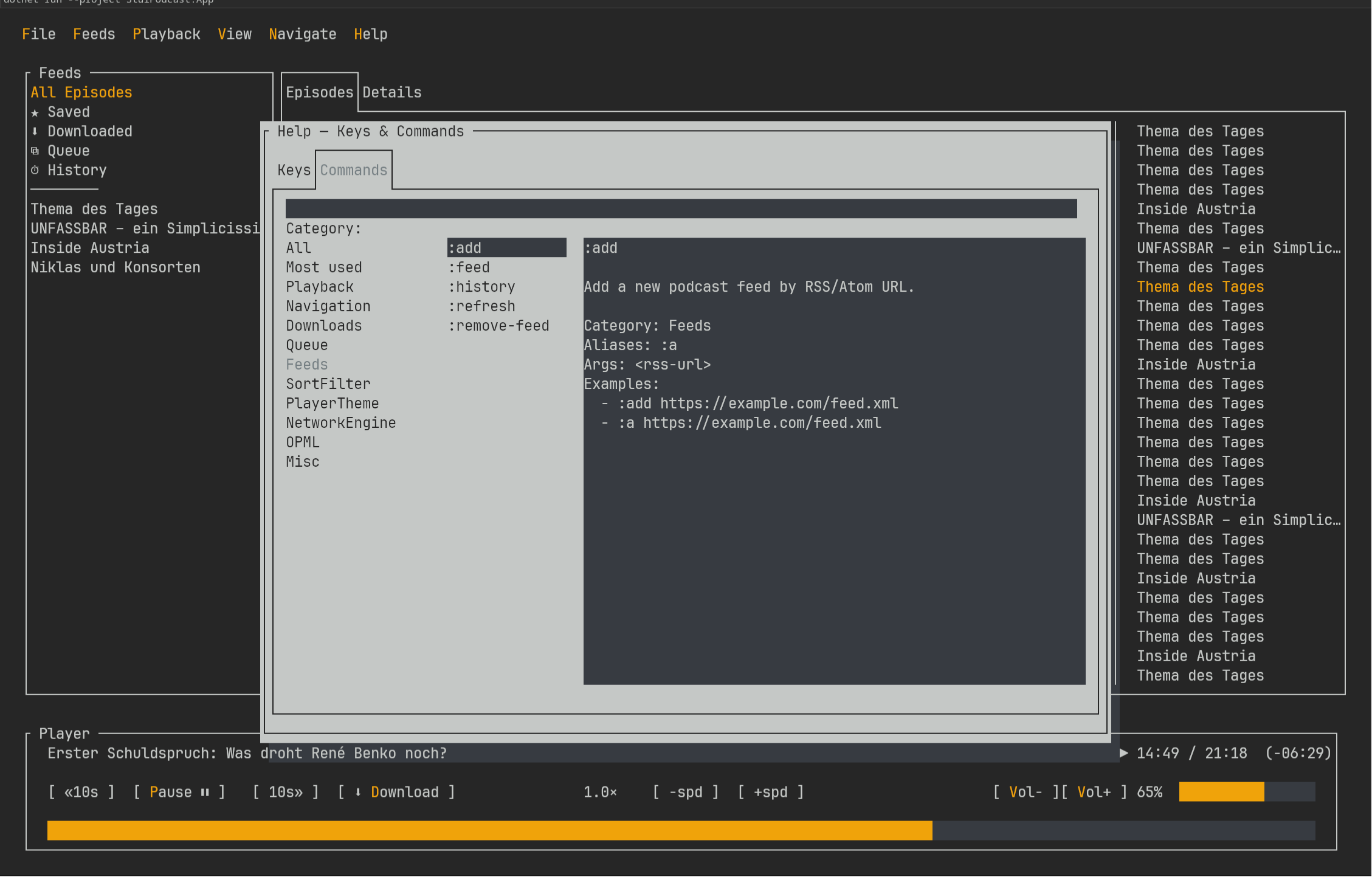
- Vim-ish navigation + command mode (plus mouse support if you want it).
- Offline support that’s actually usable: downloads, resume, and control over whether playback prefers local files, remote or auto.
- Queue-based listening, with playback controls like seek / speed / volume.
- OPML import/export so moving in and out doesn’t feel like a hostage negotiation.
- Multiple playback engines (mpv, VLC, ffplay, Windows Media Foundation fallback)
One “fun” lesson from building this: I spent an embarrassing amount of time chasing a layout glitch where UI elements shift when you move the terminal window on macOS and Linux. Turns out it’s an upstream issue in the TUI framework, not documented anywhere useful and I only figured that out after doing the classic “surely this is my fault” spiral. (Fix is expected upstream soon.)
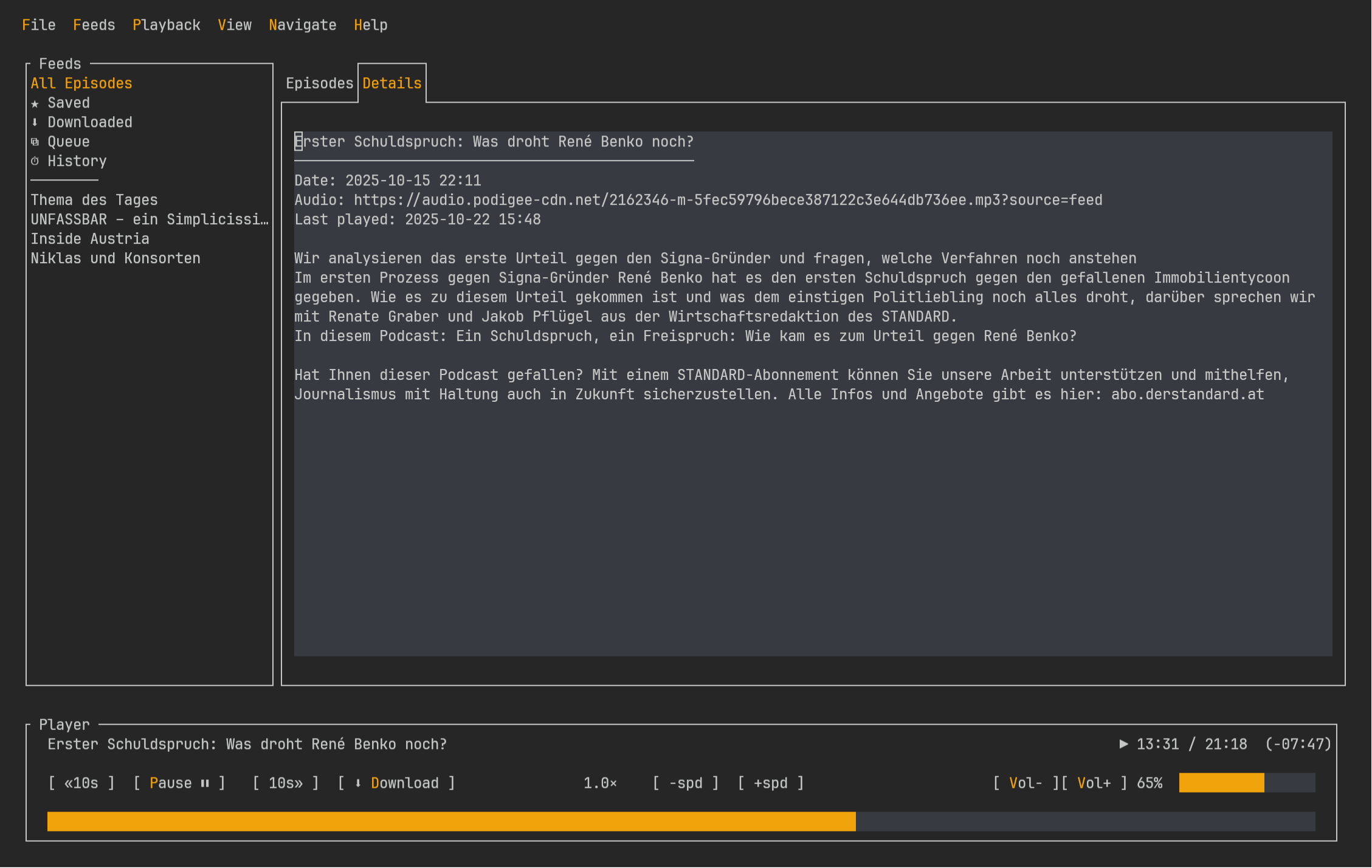
Gallery
Install
# Linux (stable)
bash <(curl -fsSL https://github.com/timkicker/podliner/releases/latest/download/install.sh)

# Arch (AUR)
yay -S podliner-bin
# macOS (stable)
bash <(curl -fsSL https://github.com/timkicker/podliner/releases/latest/download/install-macos.sh)# Windows (winget)
winget install --id=TimKicker.Podliner -e
# Windows (installer script)
irm https://github.com/timkicker/podliner/releases/latest/download/install.ps1 | iex